Adobe Photoshop 7.0
Adobe Photoshop 7.0 is one of innovative photo-editing apps on a professional level

Safe & Secure
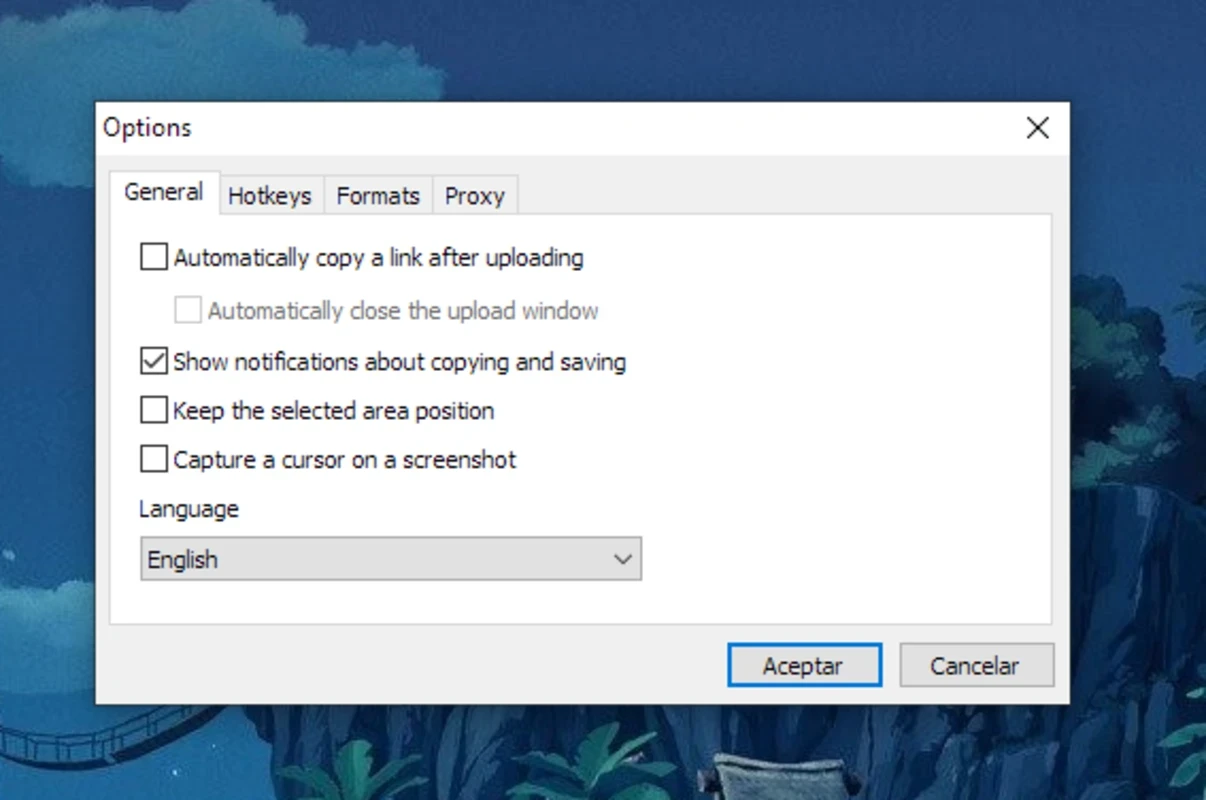
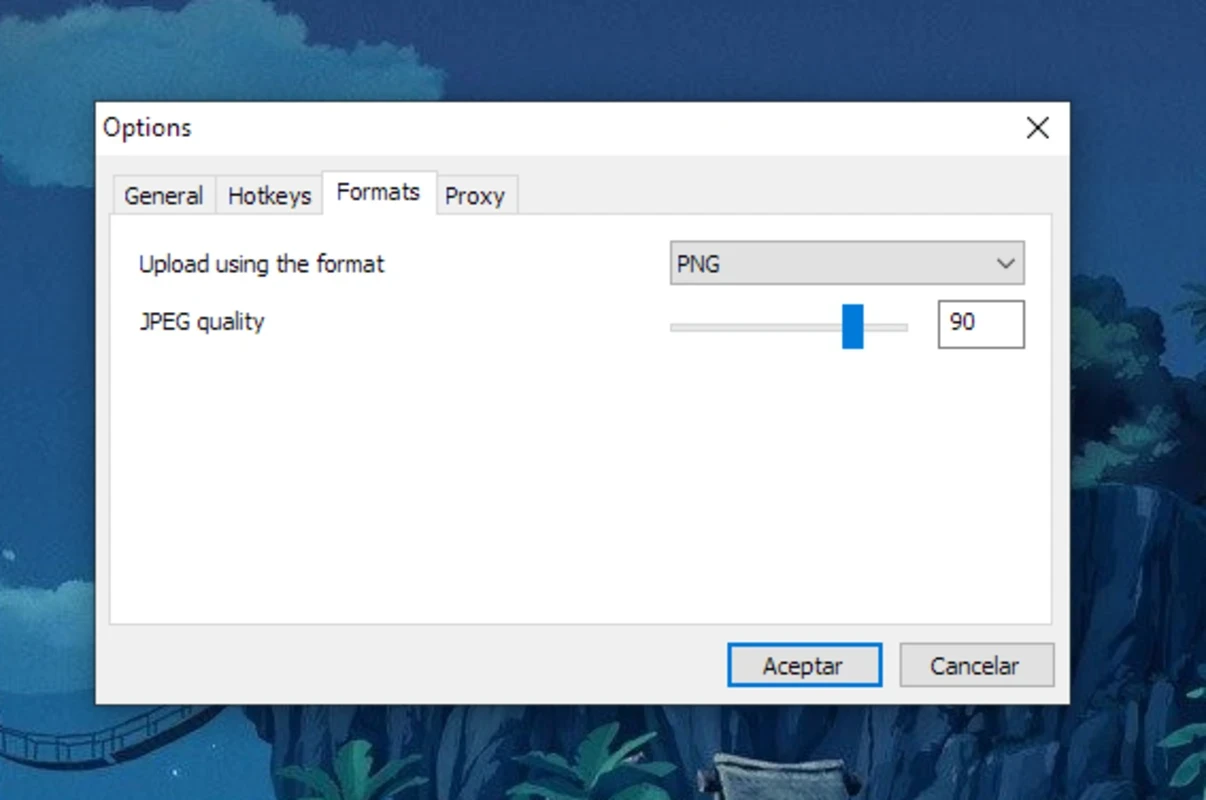
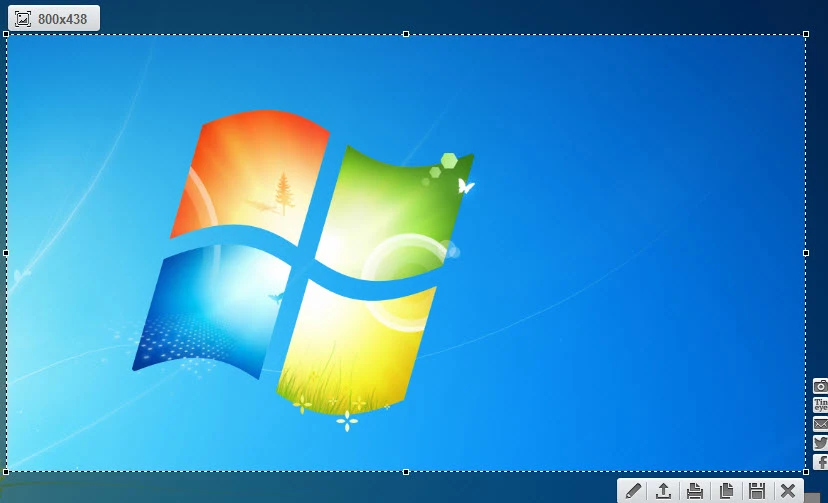
LightShot is a comprehensive, lightweight utility used for capturing your desktop screen within two clicks. It is simple and easy to use within user-friendly interface embraces minimalism, ensuring a breeze-like procedure. You need only to select your desired area using your mouse, and let the tine tool do the magic within a few seconds.
Taking screenshots in our digital life has become important, as we need to capture our screen for explaining any technical glitch, sharing funny online memes, or other such activities. The cross-platform utility allows you to take screenshots and share them with others swiftly.
LightShot, developed by Skillbrains, is a free-to-use screen-capturing software, specifically designed for both Windows and macOS operating systems. The lightweight program helps to take screenshots of your screen efficiently and quickly.
The innovative app, not only allow to capture the screen, but helps to edit the captured photo, and share it on social media, or with others through cloud service. Compared to other such utilities, the app offers a simple procedure to capture and annotate screenshots, avoiding any type of complexity or confusion.
While replacing the built-in screenshot feature for Windows PCs, the app offers simple and fast screen-capturing tasks, without losing quality. The tiny-sized utility, compared to old-fashioned Windows methods offers few features, maintaining simplicity to allow selecting the full screen or a user-defined area. A single click will snap a capture and save it to a defined database automatically. However, you can define the area of your choice. After capturing the screen, you will find a notification at the bottom of the screen, which offers a few options.
The app offers different screen capturing options, such as full-screen and any other part of the screen. After capturing, you can easily share the screenshots, as the app is integrated with multiple cloud services. It also provides a unique URL that enables you to share the screenshots with others without using a web browser or manually selecting images for the purpose. It also supports some social media platforms, such as Facebook, Twitter, VK, and Pinterest, if you have an account on them, and a built-in search tool is available for searching similar images online using Google. You can directly print out or upload through the dedicated online image service offered by the app itself.
The app offers built-in editing functionality through a small tooltip available right in the program. So, you will capable of using multiple editing tools, such as adding of text, drawing of shapes, highlighting of areas, and annotating of images within pen tool, before you save or share the screenshot. The app offers better functionality compared to Paint or Microsoft Picture Editor, but less than the latest editing software. However, you can also enhance the quality of screenshots, layering, cutting, coloring, adding backgrounds, and also adding borders.
The support for hotkeys makes the screen-capturing process easily, as you need not to launch the app manually, instead press the keys and capture your screen. It is the best option for users who need to capture the screen frequently. Moreover, the app also offers a built-in search option to find similar images on the web.
The lightweight and super-fast utility offers a 100% safe and secure screenshot capturing process. However, there are a few vulnerabilities, and the privacy policy also claims that some anonymous data is collected on your usage patterns. Moreover, the app is not compatible with Windows and macOS operating systems, but it also offers integration with various web browsers, such as Chrome, Firefox, and Opera.
The app proves more useful and reliable, offering a reliable way of taking screenshots of your desired websites and other webpages while surfing the internet. The user-friendly interface is equipped with multiple simple-to-use tools, enabling you to emphasize the essential details easily. However, for customizing text and other details, you have to navigate to another app.
The app offers high-quality performance; compared to default utilities, it helps to capture the screen in high quality, enabling you to create your own themes or simply snap pages online. You will find a canvas to make changes, such as drawing shapes, lines, freehand lines, transparent markers, and text. It offers coverage area with fixed size, but allow to expand it. Moreover, you can save the screenshots in various popular formats, including JPG, PNG, and BMP. You can save the images automatically, pressing print key + Shift key from your keyboard.
Pros
Cons
Adobe Photoshop 7.0 is one of innovative photo-editing apps on a professional level

Adobe Photoshop is designed for editing images, graphical designing, and manipulating digital images.
Stable and enhanced photo editing with Adobe Photoshop CS3

PicWish, edit your photos using AI advanced technology
Adobe PageMaker creating documents via scratching, templates, and images

PixelLab offers the capability of editing your photos on the big screen.